You do not replace existing systems, you connect the field to them
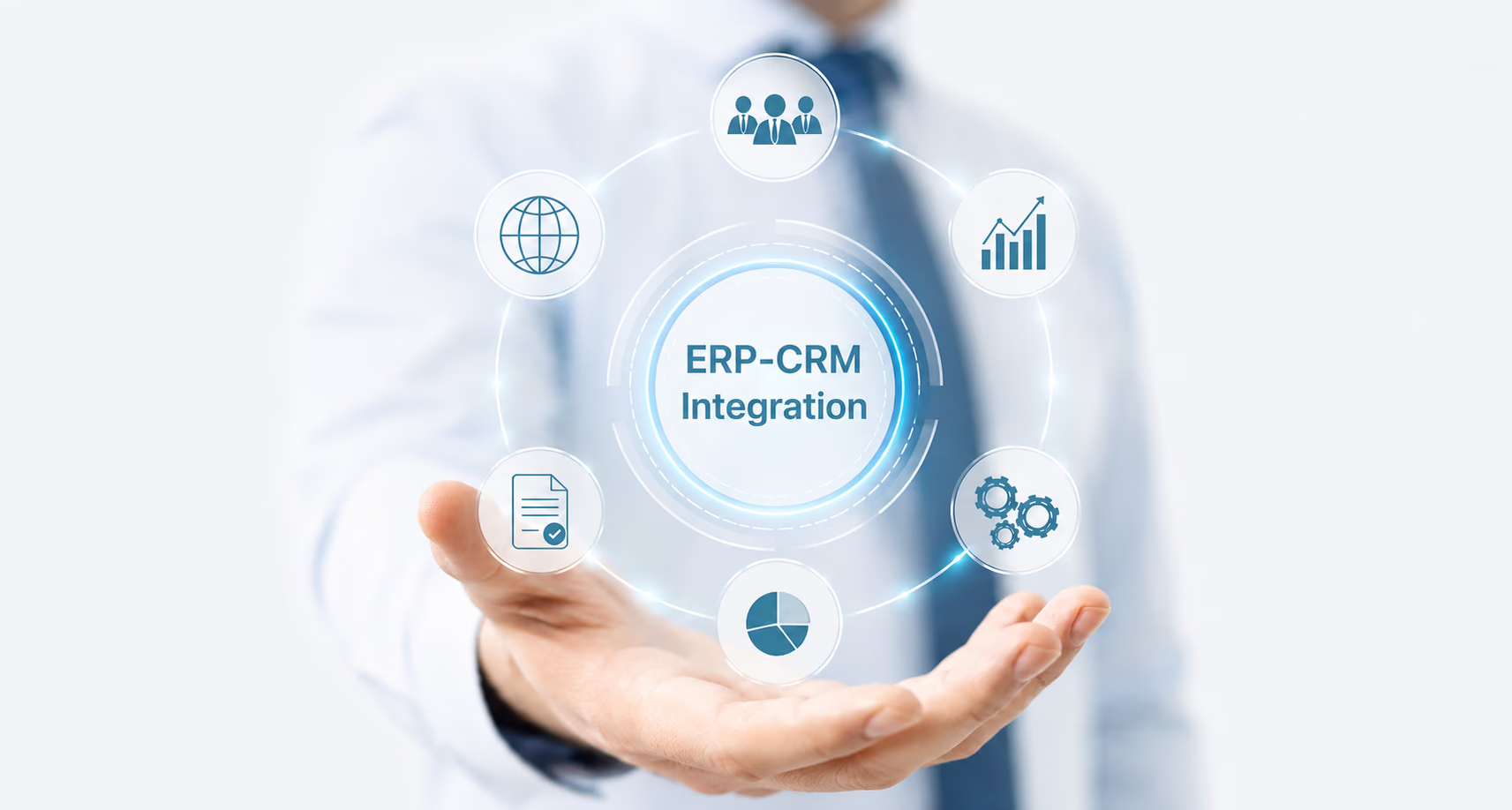
ERP and CRM systems are a central part of the organization's information infrastructure. The goal of integration is not to replace them, but to let them work continuously with WEBLET.
Business data continues to be managed in the organization's source system, while WEBLET receives the data needed to run field operations: orders, customers, addresses, service calls, tasks, products, time windows, and additional operational information.
After a task is completed, status data, execution times, signatures, photos, documents, delivery data, and other information collected in the field can be returned to the source system.
The result is a continuous digital process:
**ERP or CRM system to WEBLET to the field worker to execution results to the enterprise system**
Integration with common ERP systems
WEBLET's integration engine can connect to leading ERP systems that are common in the Israeli and international market. Through the integration, orders, customers, addresses, products, inventory, price lists, tasks, and documents can be sent to WEBLET, and field execution data can be returned to the ERP system.
Integration with CRM systems
When field activity starts with a sales, service, or customer-care process, CRM integration makes it possible to continue the process without a break between the office and field workers.
For example, a service call opened in Salesforce can become a task for a technician in WEBLET. When the visit ends, treatment status, arrival times, photos, the signature, and technician notes can update back into the CRM system.
| System name | Integration available | Integration details |
|---|---|---|
| Salesforce | Integration with Salesforce | |
| Microsoft Dynamics 365 Sales | Integration with Microsoft Dynamics 365 | |
| monday CRM | Integration with monday CRM | |
| Other common systems |
Connecting WMS, inventory, ecommerce, BI, and project management systems.
Field operations often also depend on additional systems. The integration engine makes it possible to include WEBLET in a process that involves warehouse management systems, commerce sites, ordering platforms, and analytics and reporting tools.
For example, an order received on a commerce site can move to the ERP system and from there to WEBLET for distribution planning. After delivery, the order status and delivery document can update back into the relevant systems.
| System name | Integration available | Integration details |
|---|---|---|
| WMS, inventory management, and BI systems | Integration with WMS systems | |
| Shopify | Integration with Shopify | |
| Microsoft Power BI | ||
| Qlik | Integration with Qlik | |
| Oracle Primavera | Integration with Oracle Primavera | |
| Other common systems |
Which data can be transferred between systems?
The interface scope is adapted to the workflow and the systems involved. Types of data that can be synchronized include:
- Customers and contacts
- Addresses
- Service points
- Orders and shipments
- Service calls
- Tasks and visits
- Drivers, technicians, and salespeople
- Vehicles
- Products, items, and catalogs
- Price lists
- Inventory and warehouses
- Time windows and service commitments
- Routes and distribution lines
- Execution statuses
- Arrival and completion times
- Digital signatures
- Photos and files from the field
- Delivery documents and POD confirmations
- Notes and reasons for non-completion
- Location and GPS data
- Invoices and business documents
You can define data direction, sync frequency, control rules, and the actions that follow each update.
Common integration scenarios
Distribution and logistics
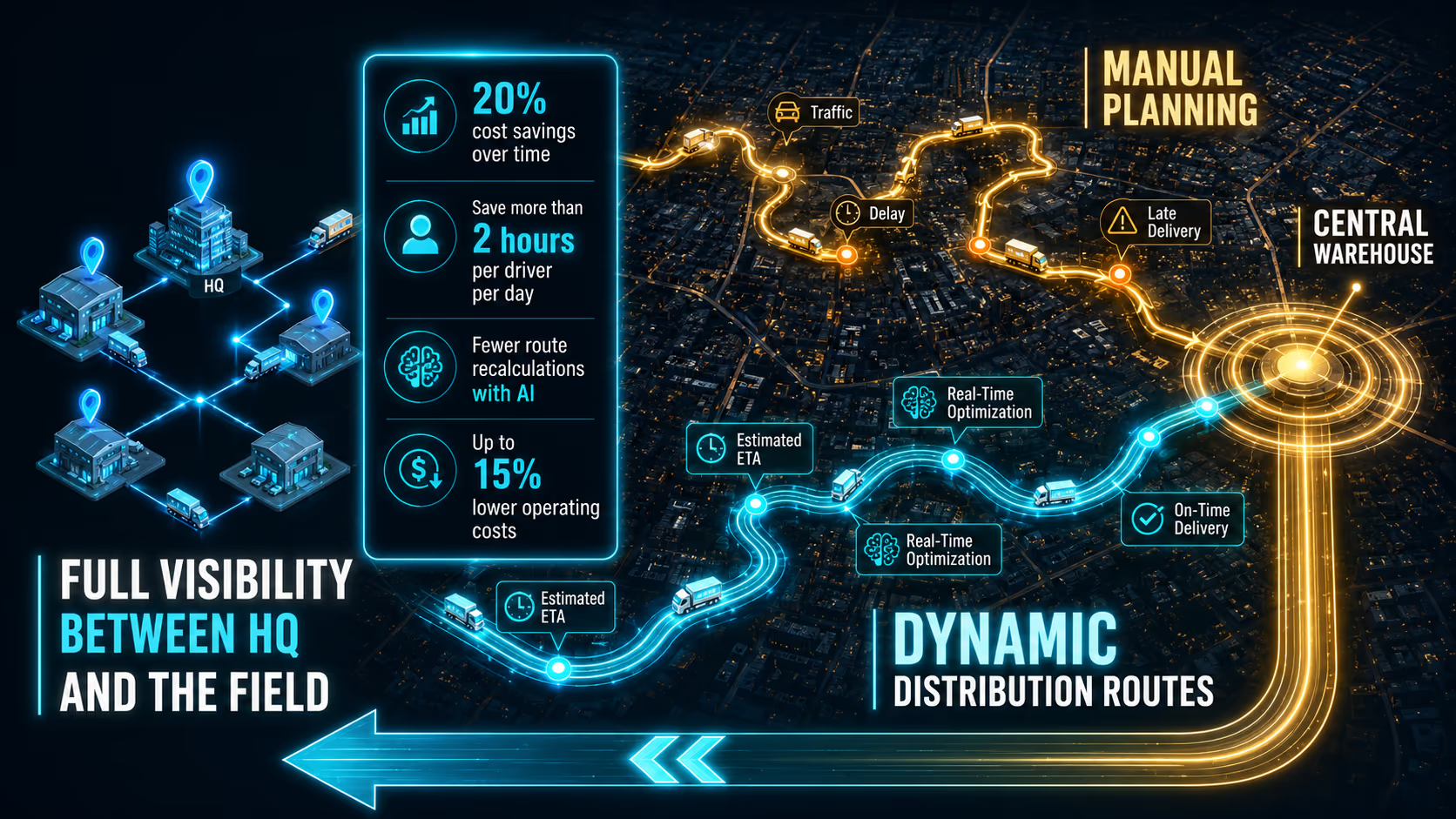
Orders are transferred from the ERP system to WEBLET, move into distribution line and route planning, and are sent to drivers. After execution, delivery status, arrival time, customer signature, photos, and the POD document return to the enterprise system.
Service and technicians
A service call received in the CRM or ERP system is transferred to WEBLET, assigned to the right technician, and managed through completion. Visit results, spare parts, work time, and service documents return to the source system.
Field sales and Van Sale
Customers, products, price lists, and inventory are transferred to field salespeople. Orders, collections, documents, and execution data return to the ERP system for continued accounting and operational handling.
B2B portal
Orders from business customers in the B2B portal can flow into WEBLET for distribution planning, service, or field sales, and sync back with ERP and CRM systems. This keeps the portal, the office, and the field on the same operational picture.
Installations and field projects
Installation orders or project tasks are transferred to teams, including addresses, equipment, documents, and instructions. When the work is completed, status, photos, signatures, and completion forms can be returned. Capabilities can also be extended with complementary modules.
Interfaces and APIs Streamline the Integration Process
When interfaces and APIs are already available for the enterprise system, there is no need to build every integration project from scratch. They provide a proven technical foundation for data exchange, which can then be adapted to the organization’s specific fields, business rules, and operational processes.
This approach can shorten implementation time, reduce risk, and enable a more controlled and efficient integration process. When an organization uses a proprietary system or internally developed solution, a dedicated interface can be designed according to the system’s capabilities and the organization’s requirements.
Integration can be implemented through APIs, web services, files, databases, and other communication mechanisms, depending on the existing infrastructure.
Business benefits of full integration
A correct connection between WEBLET and the organization's systems makes it possible to:
- Reduce duplicate data entry and manual work
- Reduce errors and mismatches between systems
- Improve data quality and freshness
- Shorten the time from task creation to execution
- Get an up-to-date picture of field activity
- Improve service and SLA compliance
- Return execution data automatically
- Create end-to-end management control
- Keep existing systems and organizational workflows
- Expand integration as organizational needs evolve
More than 10 field workers?
Leave us a WhatsApp message and we'll get back to you with an initial fit check.
Working with IT teams and software houses
The integration project can be carried out together with the organization's IT department, the software house, the implementation vendor, or the integrator supporting the customer.
WEBLET fits into the organization's existing architecture and makes it possible to define responsibility split, data structure, update frequency, control mechanisms, and exception-handling processes.
Mentioning software houses or implementation vendors does not necessarily indicate a formal partnership. It indicates the ability to work alongside the technology partners that already support the organization.
Connecting the office, enterprise systems, and the field
Integration is not only a technical transfer of data. It is the infrastructure that lets the organization manage one continuous, controlled workflow from the moment an order, call, or task is created through field completion and the update of every relevant system.
WEBLET's integration engine and Interfaces and APIs link ERP, CRM, WMS, ecommerce, and BI systems with distribution, service, technicians, installations, and field sales.
This way the organization continues to work with the core systems it already has, while gaining full control, up-to-date information, and an end-to-end connected operational process.